Resources by Tag
Writing
When AI helps, what work is still the student's?
Privacy: Learner language in this post is paraphrased, identifying details are removed, and Instructron does not train on student work. The most important question about classroom AI is not whether a student used it. It is what the student still had to think through after the AI responded. “I don’t understand what the prompt wants.” “Can you explain it like I’m much younger?” “You told me yes when my answer was wrong.” All three are examples of a student using AI. They are not the same kind

Answer the spelling question. Then reopen the writing.
Privacy: Learner language in this post is paraphrased, identifying details are removed, and Instructron does not train on student work. Mechanics support is not a distraction from composition when it helps a student return to the idea they were trying to express. “How do you spell trying?” A teacher or writing coach could answer in a few seconds. Adults sometimes hesitate. We want students to focus on ideas, organization, voice, evidence — the work we think of as composition. Stopping to spe
"Teach it to a friend" is a strategy, not a student type
Privacy: This post discusses aggregate profile patterns and paraphrased learner language. No student, teacher, school, or district is identified, and Instructron does not train on student work. Explaining an idea to someone else can make understanding visible. That does not mean some students are “teachers” and everyone else should learn differently. Ask students how they prefer to get unstuck and you will hear different answers. Some want a small hint. Some want to see an example and then tr
Simplify the language, not the thinking
Privacy: Learner language in this post is paraphrased, identifying details are removed, and Instructron does not train on student work. When one unfamiliar word blocks access to a question, clear the word — and then return the important thinking to the student. A student looks at a practice item and says, “I don’t get it.” That sentence sounds like a diagnosis. It is not one. The student may not understand the skill. They may not understand the directions. They may be missing background know

Don't count comments. Look for the next revision.
Privacy: Learner language in this post is paraphrased, identifying details are removed, and Instructron does not train on student work. Good writing feedback is not measured by how impressive it sounds. It is measured by what the student can do next. A student receives a thoughtful paragraph of feedback. It identifies strengths, names areas for growth, and offers several suggestions. The student reads it, closes the tab, and never touches the draft again. Was that good feedback? It may have
February 2026 Recap: Visible Standards, Action Bar, Better Demos
February was about making the “daily use” experience clearer. Not adding a dozen new features — more like: * making standards feel first-class inside Explore and previews * making the most common actions easier to find inside activities * making it way easier to try Instructron even on a free account Standards are More Visible (and Better Integrated) in Explore + Previews If you live in Explore / the library, this is the big one. Standards are now easier to spot and actually useful whil
January 2026 Recap: Custom Assignments for Students and Groups
January’s biggest update makes differentiation easier. Instead of giving every student the same test or writing activity, you can now assign work to specific students or groups — and adjust settings for individuals when needed. Targeted Assignments This is one teachers have asked for repeatedly: assign work to only the students who need it. Three ways to assign: * Individual students — Assign a test or writing activity to specific students by name. Only those students will see it in their
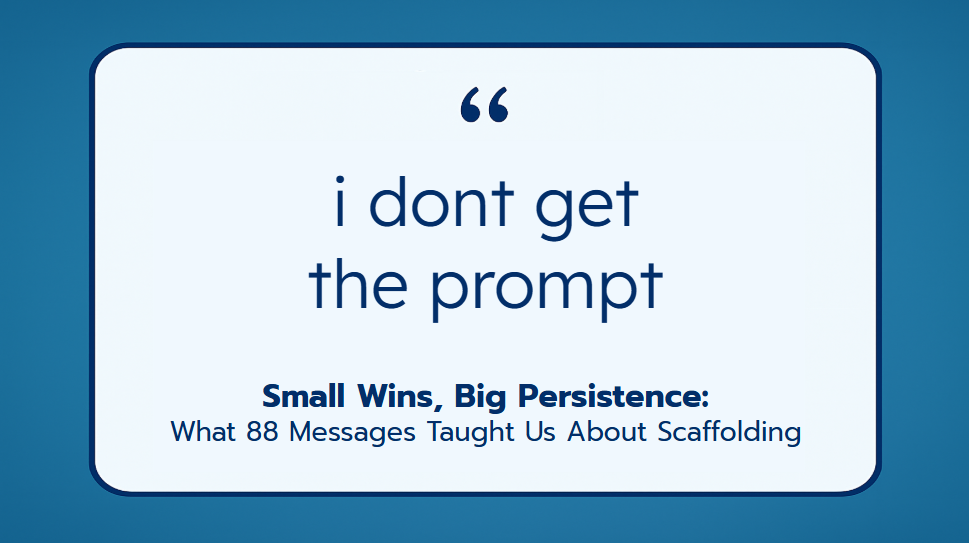
Small Wins, Big Persistence: What 88 Messages Taught Us About Scaffolding
Privacy: We paraphrase learner messages, use randomized IDs, and never train on student work. What you'll learn: Why students give up, and how to stop it. The science of small wins, self-efficacy, and scaffolding—plus 4 classroom-ready strategies. The podcast above covers the same material. Choose your preferred format: watch on YouTube or continue reading below. The Scene It's 12:37 PM on a Monday when a student types these words into their writing activity: "i dont get the prompt". They'
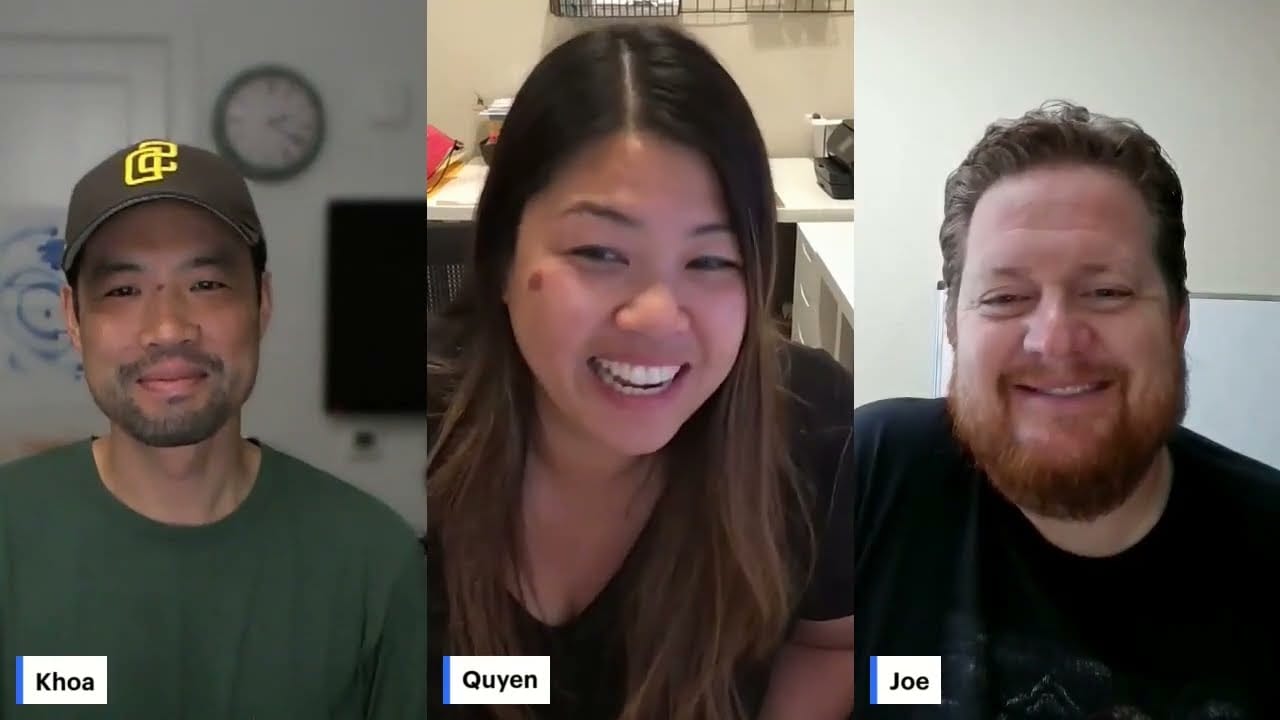
Instructron Unstructured: Episode 2
Back-to-School & The Writing Center Deep Dive Summer’s Over—Back to the Classroom! * After nine glorious weeks of summer break, we (Joe & Quyen) are back in the classroom and gearing up for the new school year. * Teaching means starting fresh every year: new students, new personalities, and new chances to do things better. The Challenge: Writing Feedback Overload * Last year, we tried "mystery writing" and were excited to see students writing more than ever. * But with 32 students, gra
Why Instructron Takes a Different Approach to AI and Assessment
Let’s get one thing straight: grading essays is time-consuming. Like, "why do I do this to myself every Sunday night?" time-consuming. So it would be easy for us to build an AI that reads student writing and spits out a score. But that’s not what Instructron is about. We believe student writing deserves more than a number. Here's why we don't auto-grade essays and what we do instead. Writing Is a Process, Not a Product Instructron is built on the idea that writing should be coached, not judg

How to Assign a Writing Activity in Instructron (and Let Tronnie Be the Coach)
Need a way to support every student writer without cloning yourself? Instructron’s Writing Activities let you assign a prompt and have Tronnie, your built-in AI coach, offer personalized, skill-specific feedback students actually understand. Here’s how to do it from both the teacher and student sides: 👨🏫 Teacher Side: Creating a Writing Assignment 1. Sign In and Head to Writing Activities From your teacher dashboard, scroll down and click “Writing Activities.” Then hit “Create Activity.