Classroom display board for all grades
One screen. Your whole routine.
Agenda, countdown timer, group picker, and quick checks — all on one classroom display board. Free to create. Works on any projector or screen. No student sign-ins required.
Why teachers love it
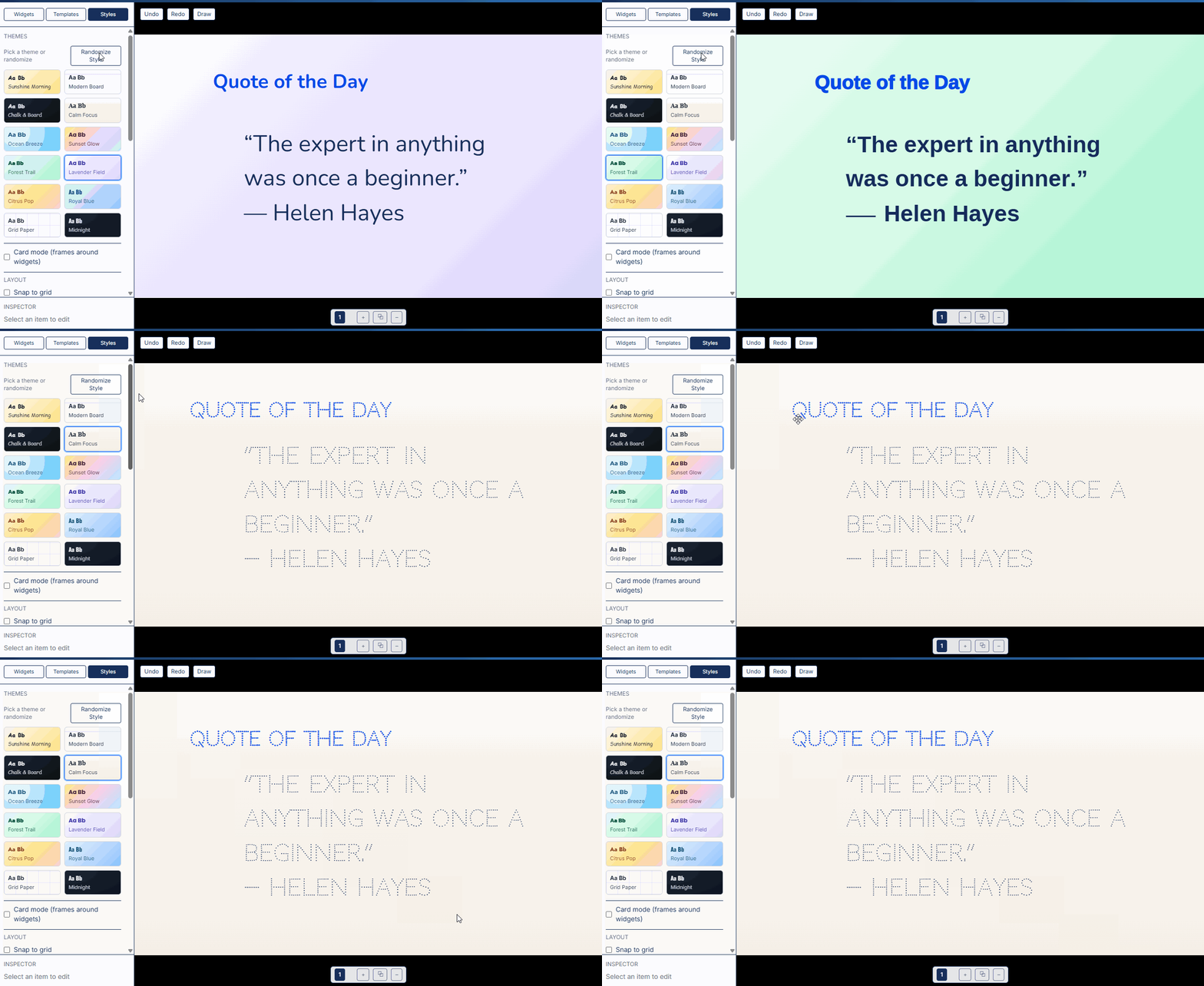
Try a template
Launch straight into a ready-to-present board. Tweak anything after.
Ready to go beyond the board?
Unlock the full Instructron toolkit
AI Writing Coach
Students get coaching hints while you circulate
Practice Tests
Standards-aligned practice with AI assist
Report Cards
Personalized comments, drafted in minutes
Frequently asked questions
Everything you need to know about Superboard
What is Superboard?
Superboard is a front-of-room display board you run your class from — put the agenda and a big timer up in one click, keep transitions tight, and use quick checks to keep everyone on the same page.
Is Superboard free?
Yes. You can create a free account and explore Superboard. Upgrade anytime from your account if you want writing, practice, and profiles.
Do students need devices?
No. Superboard is teacher-led and works great without student devices. Some premium features like writing and practice tests do use student devices.
Do students need accounts?
No student sign-ins are needed to use Superboard. Premium features like writing and practice tests may use student join codes.
Does Superboard require AI?
No. Superboard is a display board — timers, agendas, group pickers, and student activities. No AI required.
What grades is Superboard for?
K-8. Works on any screen: smartboard, projector, or monitor.
What widgets are available?
Text, timers, sticky notes, checklists, dates, images, shapes, clipart, videos, audio, and a group picker. Some advanced features may require an upgraded account.
Can I save my boards?
Yes — create a free account to save your boards. Upgrade anytime to unlock more.
Can I use it with my existing slides?
Yes. Many teachers keep slides for content and use Superboard for routines and checks. You can add images to a board alongside your other materials.
Does it work on Chromebooks?
Yes. Superboard is built for modern browsers on Chromebooks, Macs, and PCs, and is projector-friendly.
Can I print what's on my board?
PDF/PNG export is in development. We're working on export and Paper-Ready packs.
What templates are included?
Morning Meeting, Warm-Up + Practice, Exit Ticket, Stations/Rotations, Bell Work, Goals/Targets, and more. New templates are added regularly.
What makes it good for classroom management?
It makes routines and expectations visible. The agenda shows what's next, the timer keeps pacing predictable, and the group picker removes friction from transitions.
Is Superboard privacy-safe?
Yes. Data is encrypted in transit and at rest. You control any student names used on your boards.
Do I need the internet?
Superboard is designed for online use. It caches assets to handle brief hiccups; we recommend staying online for saving and sharing.
Can co-teachers use my boards?
Sharing and collaboration features are in development. We're working on present links and shared board tools.
Does it replace my LMS or presentation tool?
No. Superboard runs your live routines and classroom management. Keep your LMS for grades and assignments — many teachers use them together.
Can I use this with Google Classroom or Canvas?
Integration features are in development. We're working on deeper LMS integrations.
Still have questions? Email us at [email protected]
Ready to transform your classroom routine?
Thousands of teachers already use Superboard to run smoother mornings, tighter transitions, and more engaging class sessions.